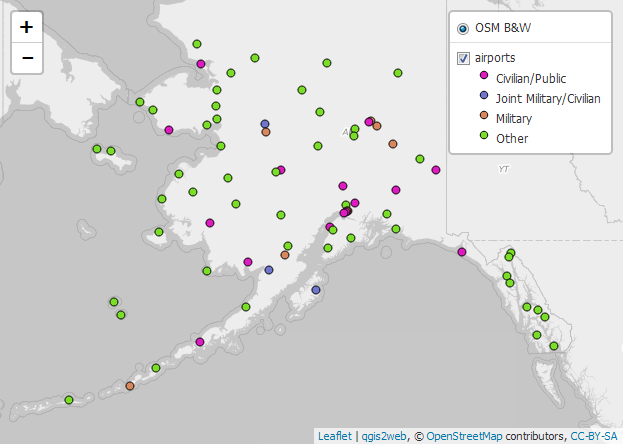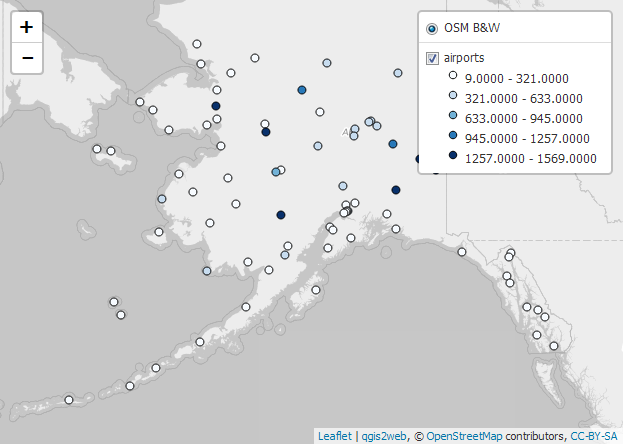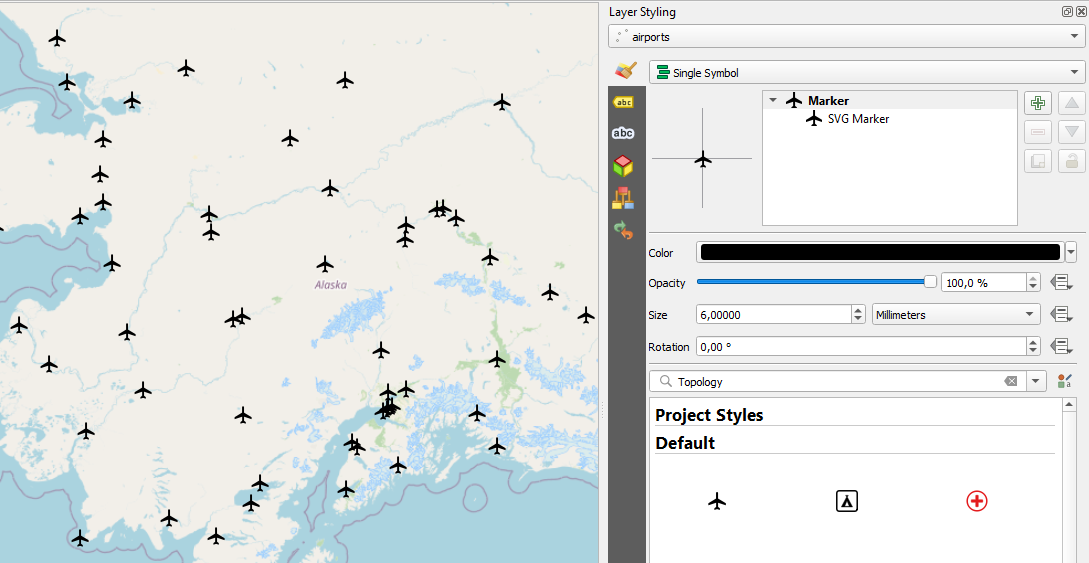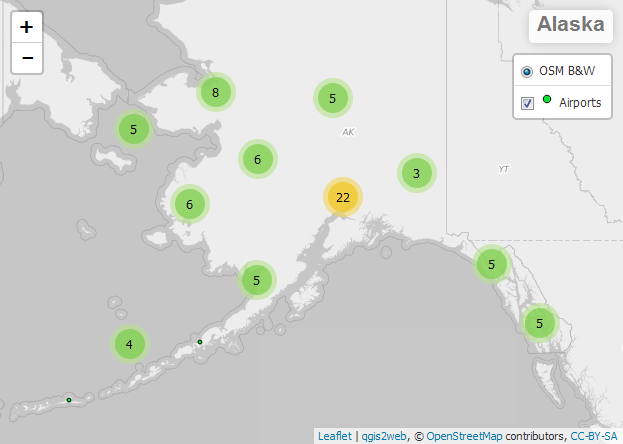
qgis2web
From your QGIS project to an interactive web map, with zero coding
Turn your QGIS map into a shareable web page in just a few clicks.
What it is
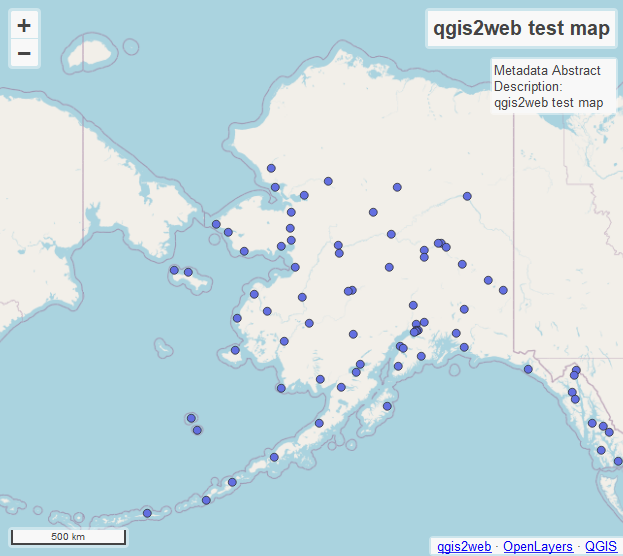
qgis2web is a QGIS plugin that exports your map to an interactive web page.
It produces static files (HTML, JavaScript, CSS) that work immediately in a browser, both online and offline.
Who it’s for
- GIS staff in public agencies and private companies
- Consultants and professionals sharing results with decision-makers and stakeholders
- Teachers and students who want to publish maps without learning to code
What it lets you do
- Publish your key layers and styles directly from QGIS to the web
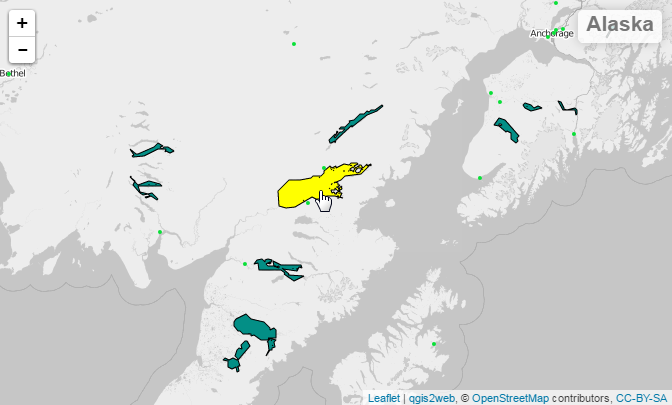
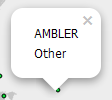
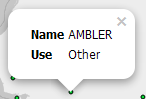
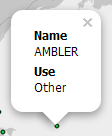
- Create informative pop-ups with text and images
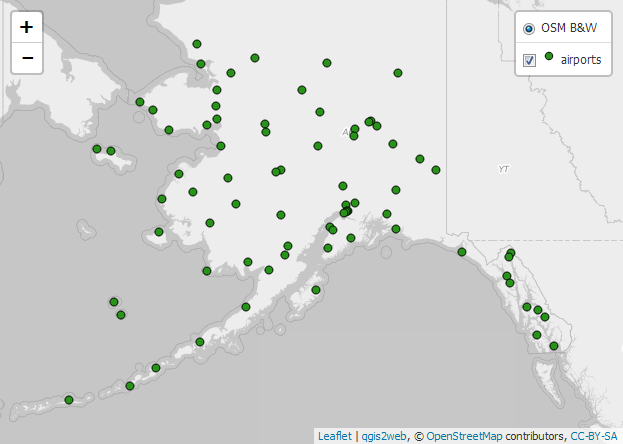
- Add useful tools: layer switcher, measurement, search, geolocation
- Choose between two popular web map libraries: Leaflet or OpenLayers
- Generate a static site that’s easy to host on GitHub Pages or a simple web server
Why use it
- No coding required
- Fast: from QGIS map to sharing in minutes
- Control: the files are yours and work even without an internet connection
- Open source and widely supported technologies
When to use it
- Great for: project presentations, public consultations, lightweight story maps, rapid prototypes
- Not suited to: complex web apps with authentication, online editing, or server-side analysis
How it works in 3 steps
- Prepare your QGIS map: give clear names to layers and fields you want in pop-ups.
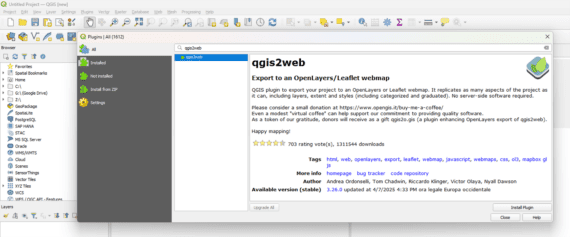
- Open qgis2web (Web menu): choose Leaflet or OpenLayers and the tools you need.
- Export: get a folder with your web map ready to open in a browser or publish online.
Requirements & compatibility
- QGIS 3.x (Windows, macOS, Linux)
- Static HTML/JS/CSS output compatible with any simple web server (including GitHub Pages)
Recognition
Winner of OSGeo:UK 2024 (GoFundGeo).